3.22. User Settings
The following settings affect only the currently logged-in user.
3.22.1. Changing Your Password
To change your password, click your username in the upper-right
corner and click User Settings. This opens the
personal user settings.
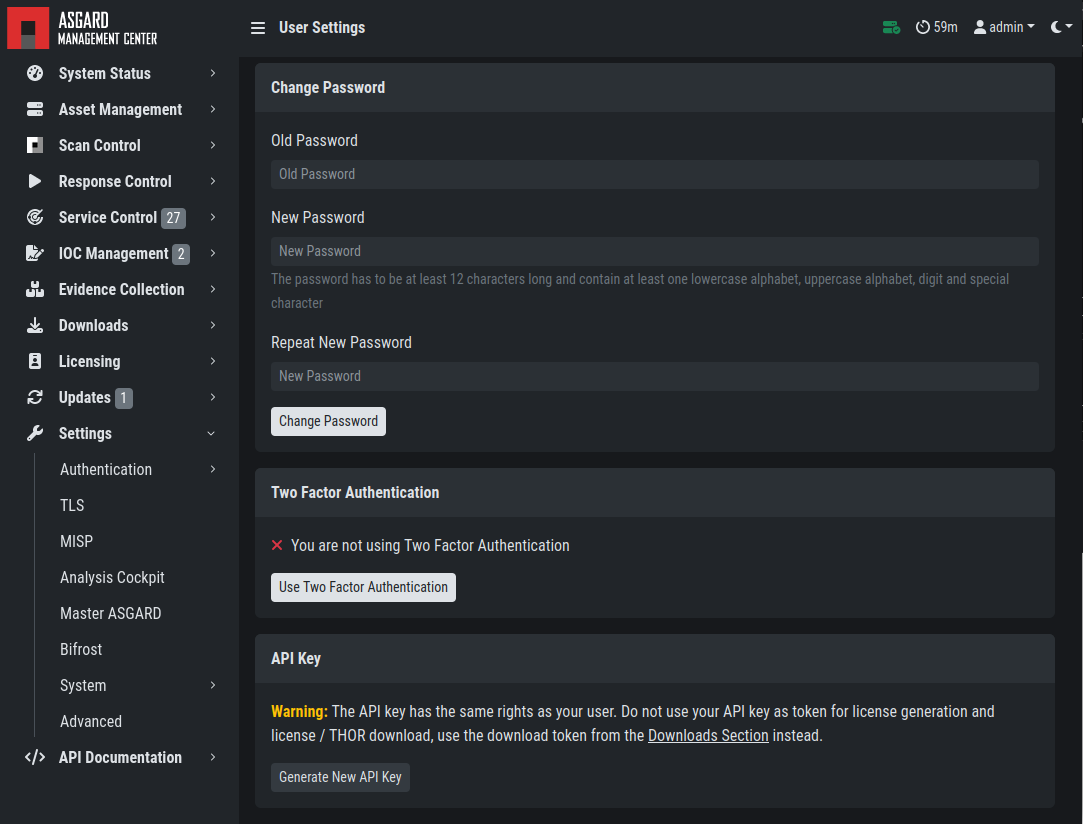
Changing your password
3.22.2. Two-Factor Authentication
We are currently using the Time-based One-time Password (TOTP)
algorithm for two-factor authentication. We recommend
one of the following mobile apps for 2FA:
Google Authenticator
Microsoft Authenticator
Twilio Authy
iOS built-in Password Manager (iOS 15 or newer)
3.22.2.1. Enable Two-Factor Authentication
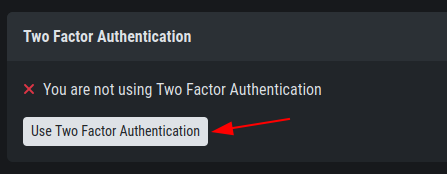
To enable two-factor authentication, click Use Two Factor Authentication
in your User Settings and follow the instructions on the screen.
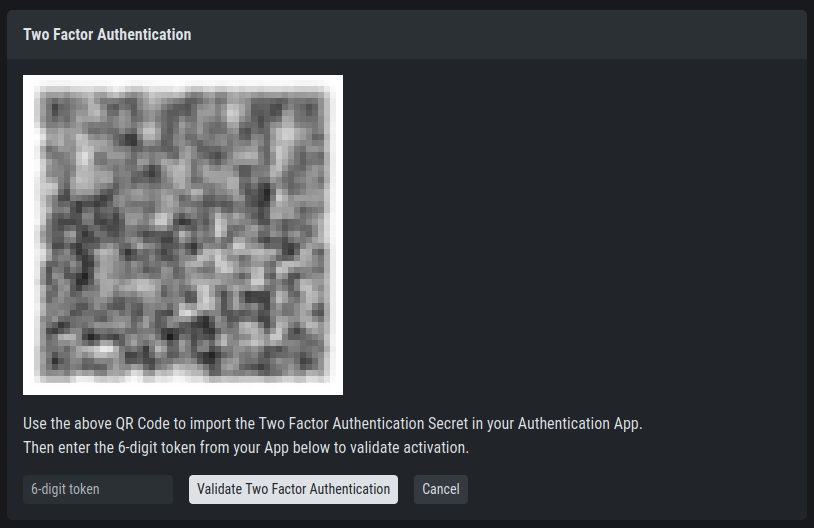
After clicking the button, you will be presented with a QR
code for the authenticator app of your choice.
Alternatively, you can use the secret key. You will need
to verify the 6-digit token and click Validate Two Factor Authentication
to enable 2FA.
Note
You will be logged out of your current session if validation is successful.
3.22.2.2. Disable Two-Factor Authentication
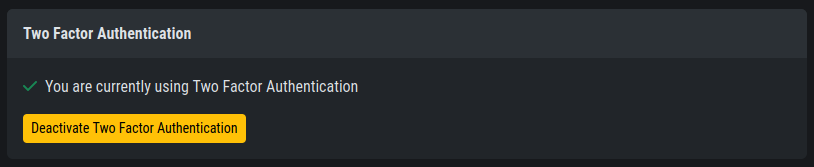
To disable 2FA, navigate to User Settings > Two Factor Authentication
and click Deactivate Two Factor Authentication.
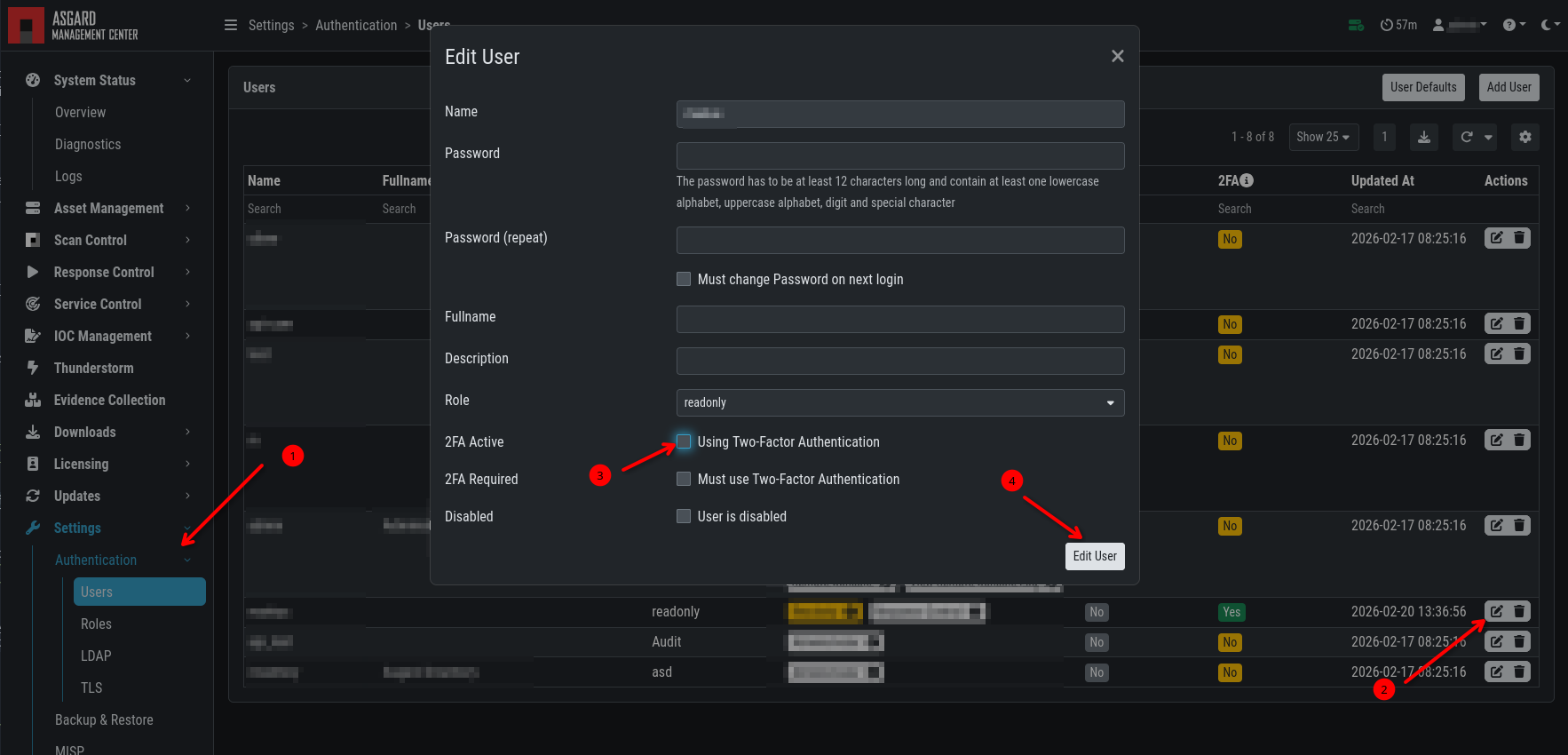
If you have administrator permissions and want to disable 2FA for another user, navigate to
Settings > Authentication > Users and click "Edit" on the user
for whom you want to disable 2FA. Clear 2FA Active and click "Edit User".
3.22.3. API Key
To generate an API key, navigate to User Settings > API Key.
This page allows you to set an API key. If an API key was previously set, a new key will be generated. You will only be able to see your new API key once after it has been generated.
Note
An API key always has the access rights of the user context in which it was generated. To create a restricted API key, add a new restricted user and generate an API key in the new user's context.
Warning
The API key has the same rights as your user. Do not use your
API key as a token for license generation and license / THOR download.
Instead, use the download token from the Downloads menu
(Download Links).