2.1. Create a new ESX VM and Mount the ISO
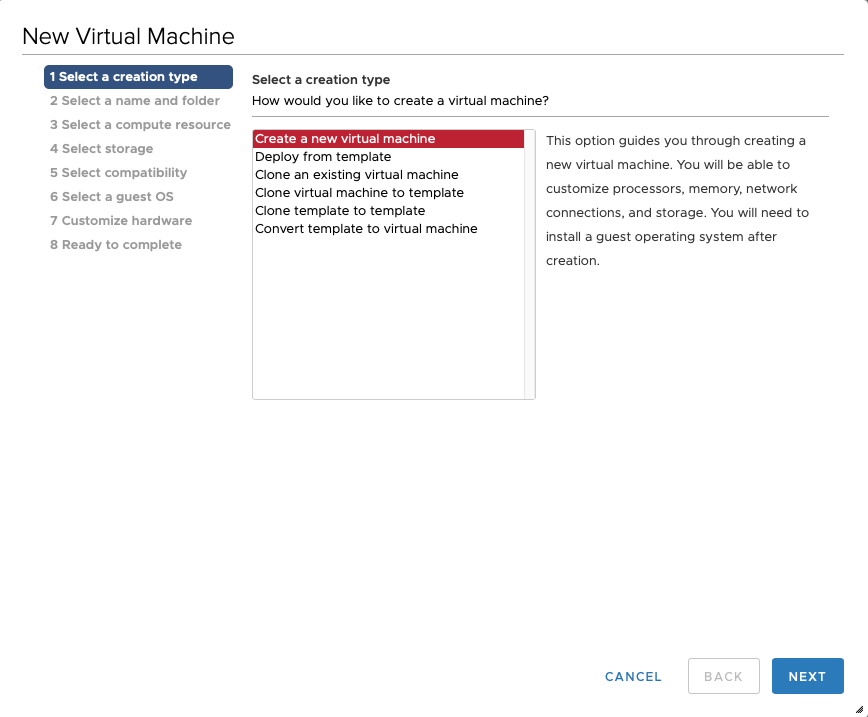
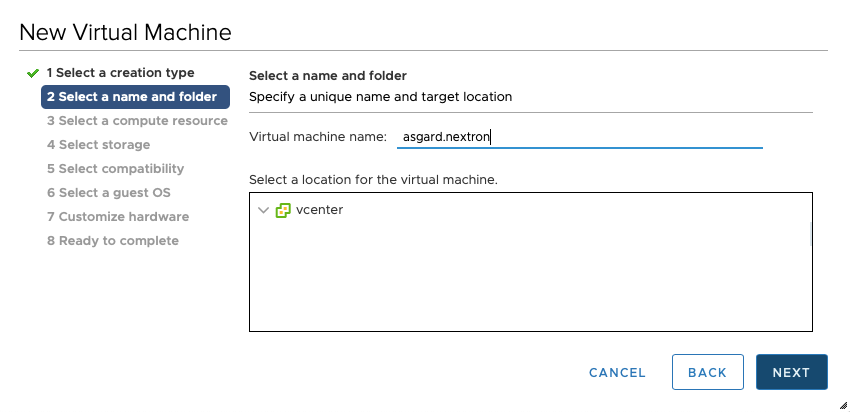
Create a new VM with your virtualization software. This example uses VMware ESXi managed through VMware vCenter.
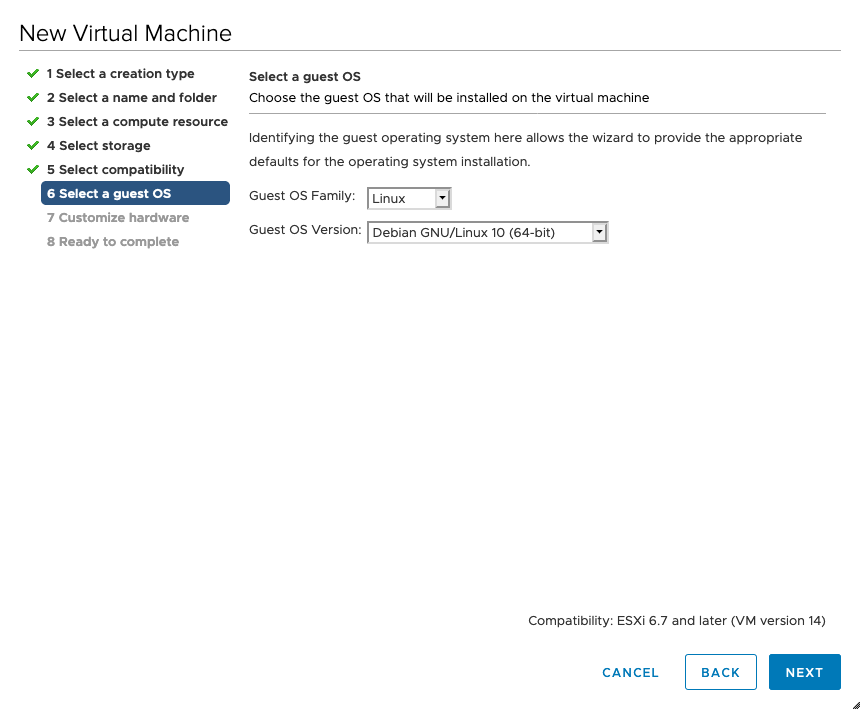
The new VM must be configured with a Linux base system and Debian GNU/Linux 12 (64-bit) as the target version. We recommend uploading the ASGARD or Master ASGARD ISO to an accessible datastore and mounting it on the newly created VM.
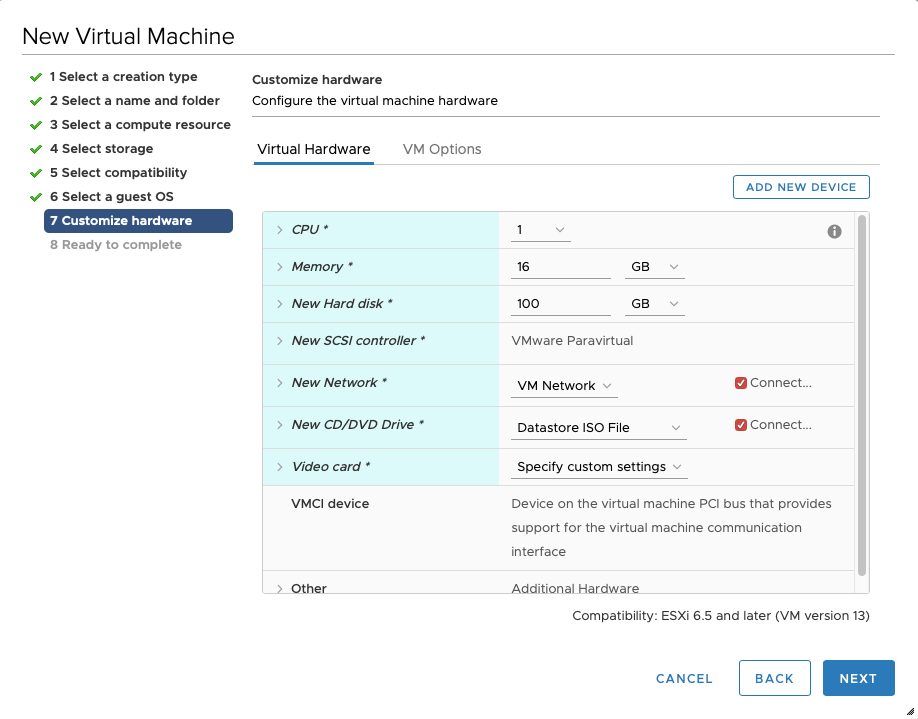
Select a suitable vSwitch or physical interface that matches the IP address scheme you plan to use for the new ASGARD system. Use only one hard disk for the installation.