6.3. IP Based Fallback
IP-Based Fallback provides backup connectivity for agents when DNS resolution fails. You can configure fallback IP addresses for your Management Center hostname so agents can still connect even during DNS outages or network issues. This is especially useful in incident response scenarios or compromised environments where DNS services may be disrupted.
Go to Settings > IP-Based Fallback and add one or more fallback IP
addresses for your Management Center FQDN.
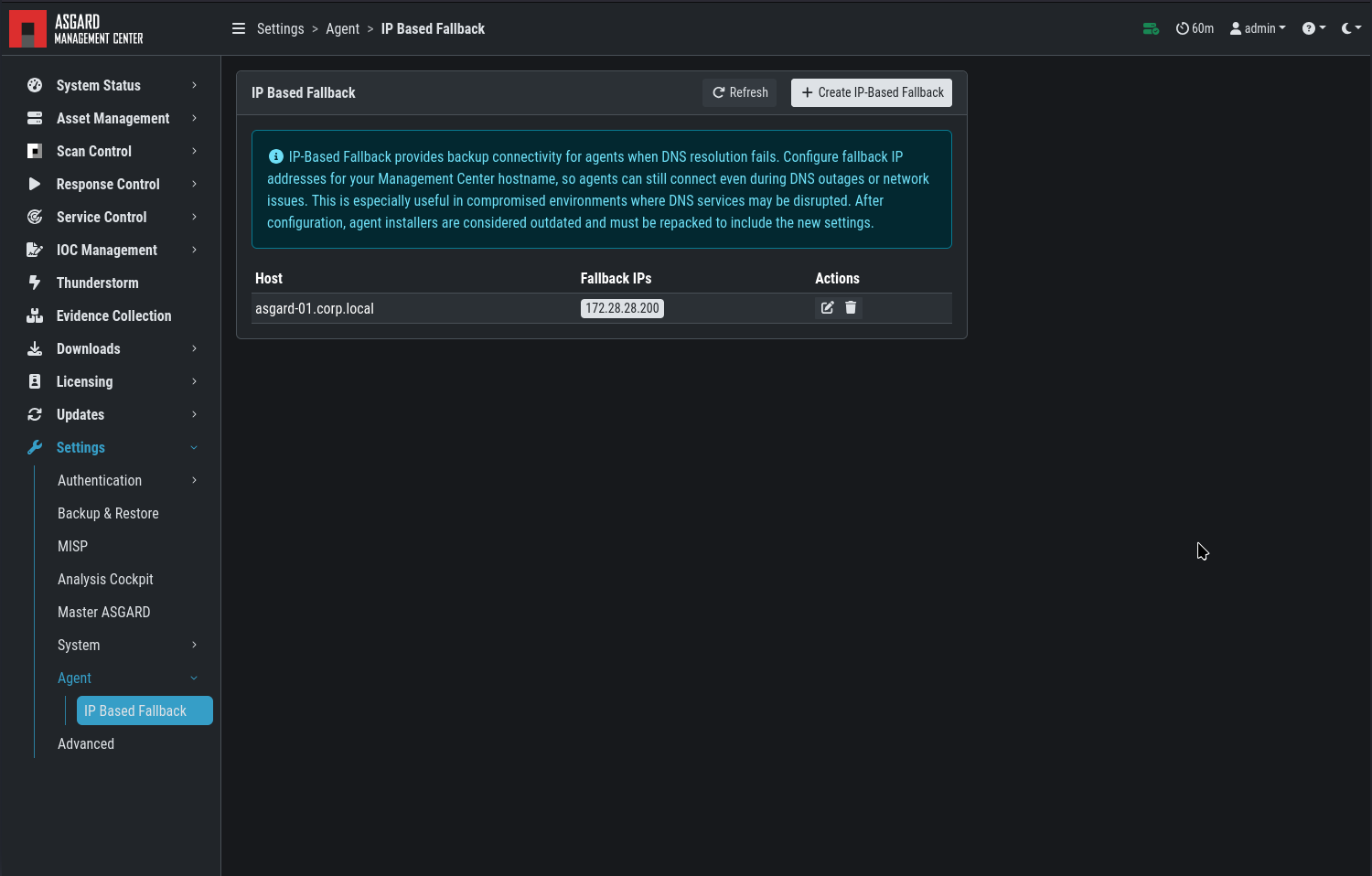
IP Based Fallback
Note
Endpoints must run agent version 1.7.0 or newer. Older versions do not support IP-Based Fallback.
Note
Fallback IP addresses must be configured before rolling out your agents. The setting is applied at installation time and cannot easily be changed on agents that are already deployed.
Note
After changing the fallback configuration, existing agent installers are
marked as outdated. Click Repack Outdated Agent Installers and wait
for the process to finish so that newly downloaded installers include the
new settings. The fallback settings are baked into the installer.